We all know this: you start your computer and are greeted by some annoying ad popup by Microsoft, begging you to subscribe to their Office 365 subscription. After you spent minutes looking for the "skip for now" button, you try to open a folder but the file explorer somehow takes several seconds to load... you are unsure why. Then you open the task manager to check and notice that Copilot eats all your CPU and RAM but there is nothing you can do... or is there?
I have been in that exact situation many times, where frustration took over because there was no feasable alternative... I love playing games and most games only work for Windows and app support on platforms like Linux is lackluster... also dealing with drivers and compatibility issues on Linux is a problem so Windows it is. Also, a few more frustrations got my blood boiling like nothing else:
- my wireless bluetooth headphones randomly stopped working and after doing a Windows registry check, it appeared Windows corrupted itself. After 2 weeks of trying out dozens of solutions I had to re-install Windows from scratch!
- while gaming, Windows may decide to do some checks in the background, causing lags
- randomly Windows may download the next update and take up my wifi broadband. I am aware this can be disabled but it is still annoying that this is default behaviour
- randomly, the wallpaper reset after system updates
- random freezes where the computer just froze and I had to force restart to fix it
Then I discovered Bazzite. Actually, a friend recommended it to me. Apparently, it is inspired by SteamOS and you can play most Steam games out of the box!
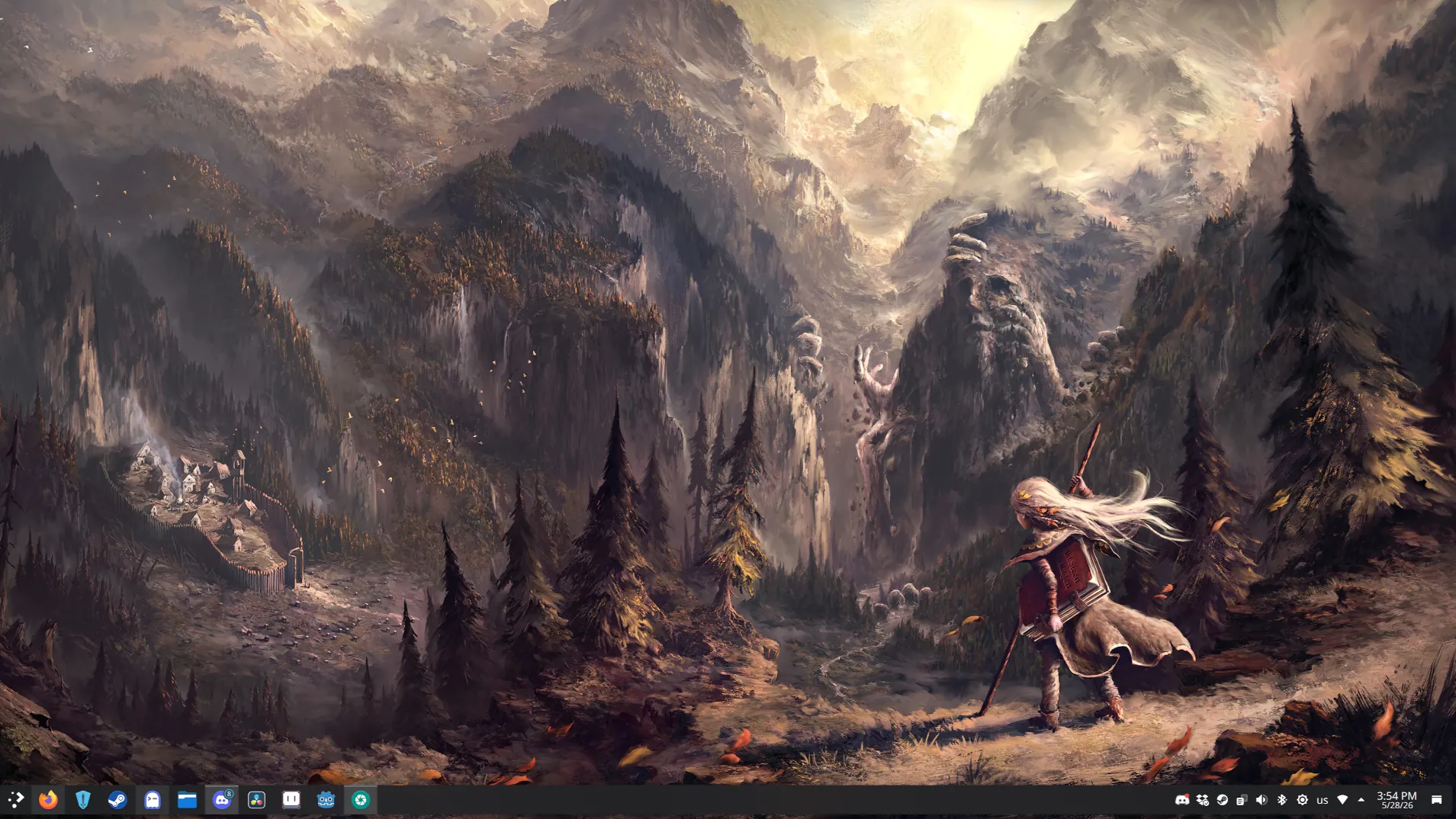
Installing it was a breeze and to my surprise, all games on Steam just worked straight away. To truly replicate my Windows experience, a few things were needed:
- Discord: works out of the box, nice.
- Steam: pre-installed, with graphics driver working out of the box.
- DaVinci Resolve: I use this for video editing, works quite well on Linux without problems.
- Battle.net uh oh... this does not work out of the box. But I got it working (see below)
- Epic Games Launcher this is needed for games like Rocket League to play online but does not work out of the box. I got it working though (see below)
Installing Battle.net
Battle.net does not work on Linux natively. However, thanks to Steam this is possible:
- Download the Battle.net installer (it's an .exe file)
- Open Steam and click
Games > Add Non Steam Game to my library - Select the Battle.net installer
- Launch the installer from within Steam
Now, you are actually not installing Battle.net on Linux itself but Steam kinda "tricks" the system by emulating a Windows file system (including the usual file structure you'd expect from a Windows file system) so when installing Battle.net you are actually installing it within a folder controlled by Steam itself.
Very important after finishing the install, do not delete the Battle.net installer from Steam (I did this mistake once) because doing so wipes the mentioned file system and the installation is gone. Instead, we are going to edit the existing Battle.net Installer entry in Steam by editing it and changing the Shortcut target to:
"/home/bitbrain/.local/share/Steam/steamapps/compatdata/3475908885/pfx/drive_c/Program Files (x86)/Battle.net/Battle.net.exe"and "Start in" to
/home/bitbrain/.local/share/Steam/steamapps/compatdata/3475908885/pfx/drive_c/Program Files (x86)/Battle.net/The 3475908885 is the steam id of Battle.net installer and $HOME/.local/share/Steam/steamapps/compatdata is the path on Bazzite where Steam stores the various files for Steam games. You notice it contains a drive_c which emulates the C:/ on Windows and as expected, there is a Program Files (x86)/Battle.net folder now where we installed Battle.net into.
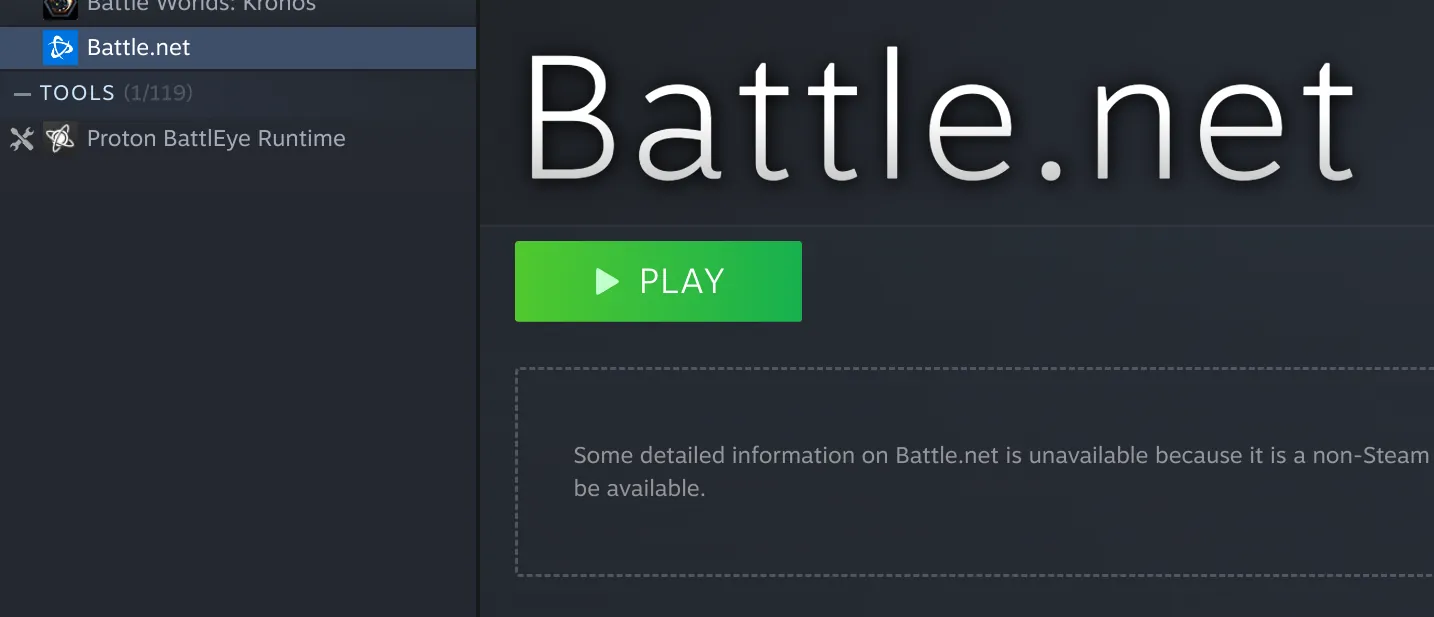
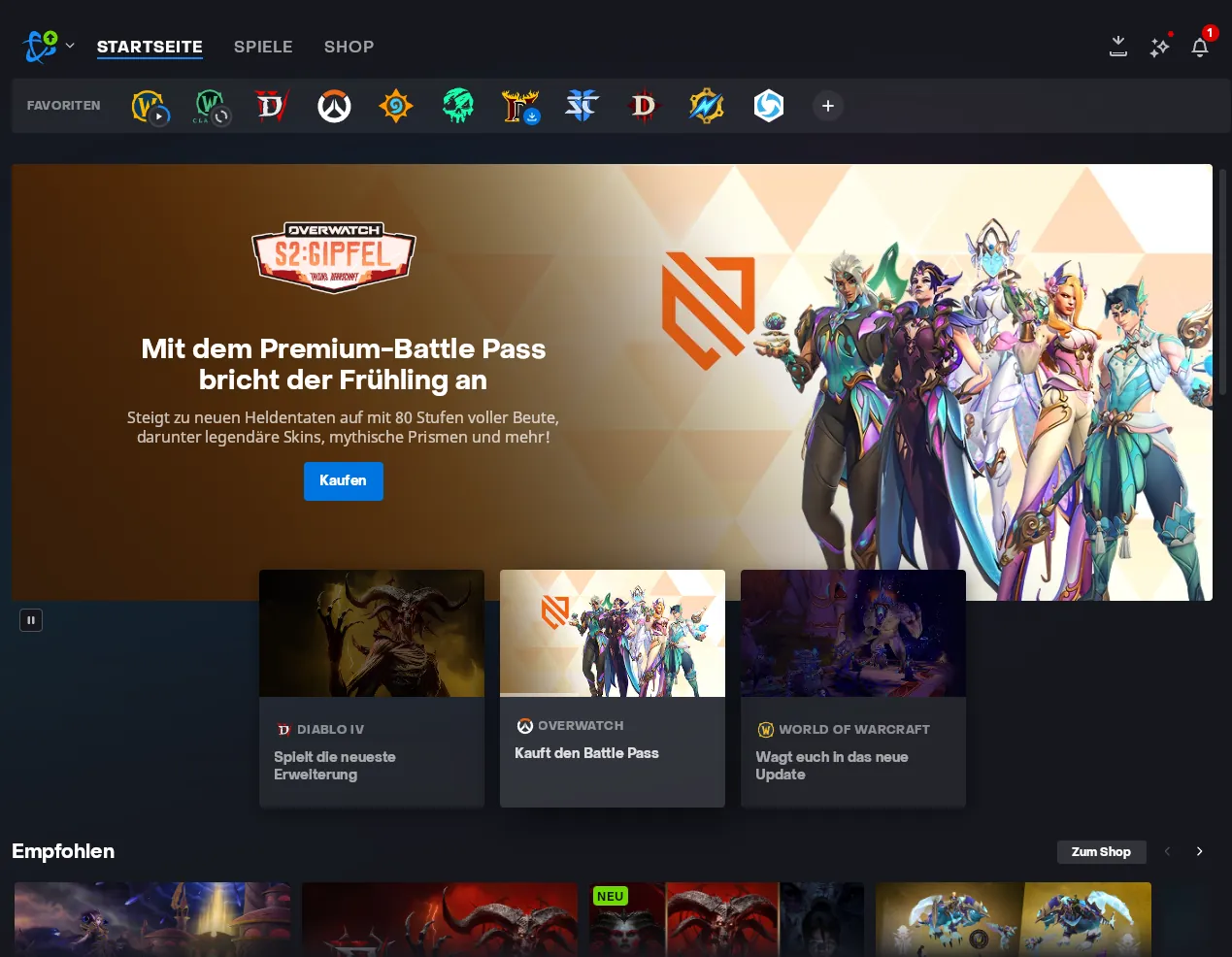
By the way, all those files actually exist in your Linux file system as well, it's just that Linux itself would not know what to do with it. Thanks to Proton, it can. Also rename Battle.net Installer -> Battle.net as we now repointed the installer to the actual .exe of Battle.net. When we now launch it (after you login with your Battle.net account) you can use Battle.net without problems and install all the usual games you like:
Supporting Epic Games launcher
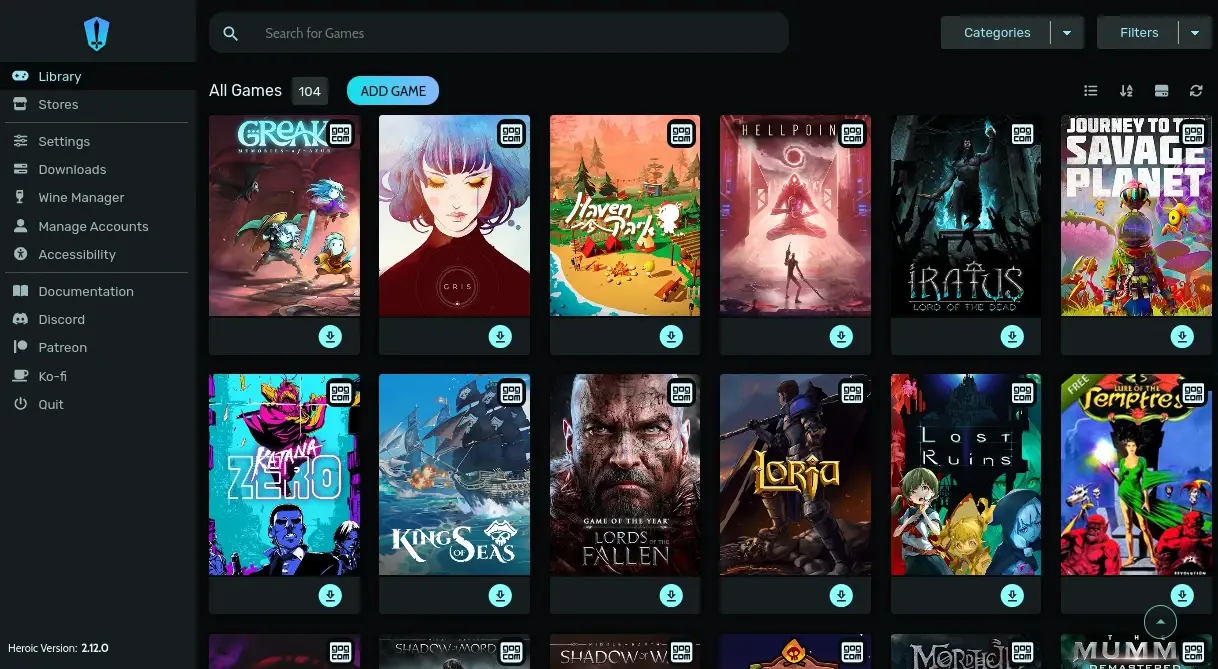
Epic Games Launcher does only work on Windows. I love Rocket League and want to play it but playing it through Steam on Linux does not work online. Yes, you can launch and play it but any online match is disabled on Linux. We could try to use Steam with Proton again to install the Epic Games Launcher with it but there is a much simpler way on Bazzite: Heroic Games Launcher! All you gotta do is:
- Install Heroic Games Launcher
- Login with your Epic Games account
- Install the games you want, e.g. Rocket League
This works rather well and I did not encounter any issues with it.
There is a catch
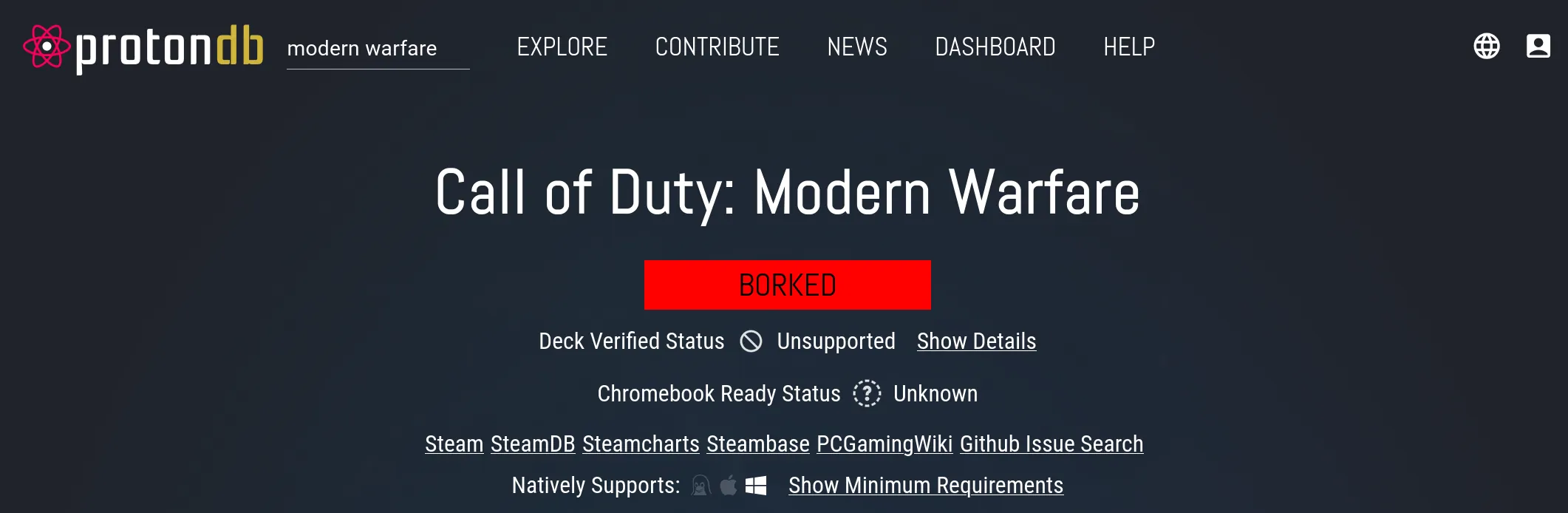
Now, let's talk about the things that don't work well: Anti-Cheat I bought on Steam Call of Duty: Modern Warfare (Remake) until I realised that this game does not allow me to start it due to Anti Cheat that is unsupported on Linux (as of 2026). I highly recommend protondb which tells you which game works well on Linux.
Another issue I faced is Bluetooth support: plugging in my Xbox controller did not work wirelessly at first. This is because Microsoft changed something under the hood which doesn't work any longer for older Xbox controllers. The solution is to connect your Xbox controller to a Windows machine (or Xbox) and update the controller firmware. Even after that, the problems would not stop: although the controller is detected fine, it seems to spam the bluetooth channel like crazy so connecting wireless headphones together with the controller causes severe audio stuttering. I even tried to disable "power saving mode" without success. For now, I am using a USB cable to connect my controller but not sure yet how to solve this.
6 month verdict
I would generally recommend switching to Bazzite and leaving Windows behind. In 2026, the OS is mature enough to do most things without any issue and after just a few days, the UX feels very similar. I am using KDE and it is quite similar to Windows 11 UX. However, make sure before you switch to check every app you use for its compatibility. When in doubt, install it first via dual-boot so you can always use Windows still if you are unsure.
I really liked Windows and used it for many years but here I am, no longer needing it. Goodbye Windows.